
Send files of any sizesecurely
to any destination.
Send files of any sizesecurely
to any destination.
SHIFT For Web is also available for non-Outlook users via a browser.
Overview
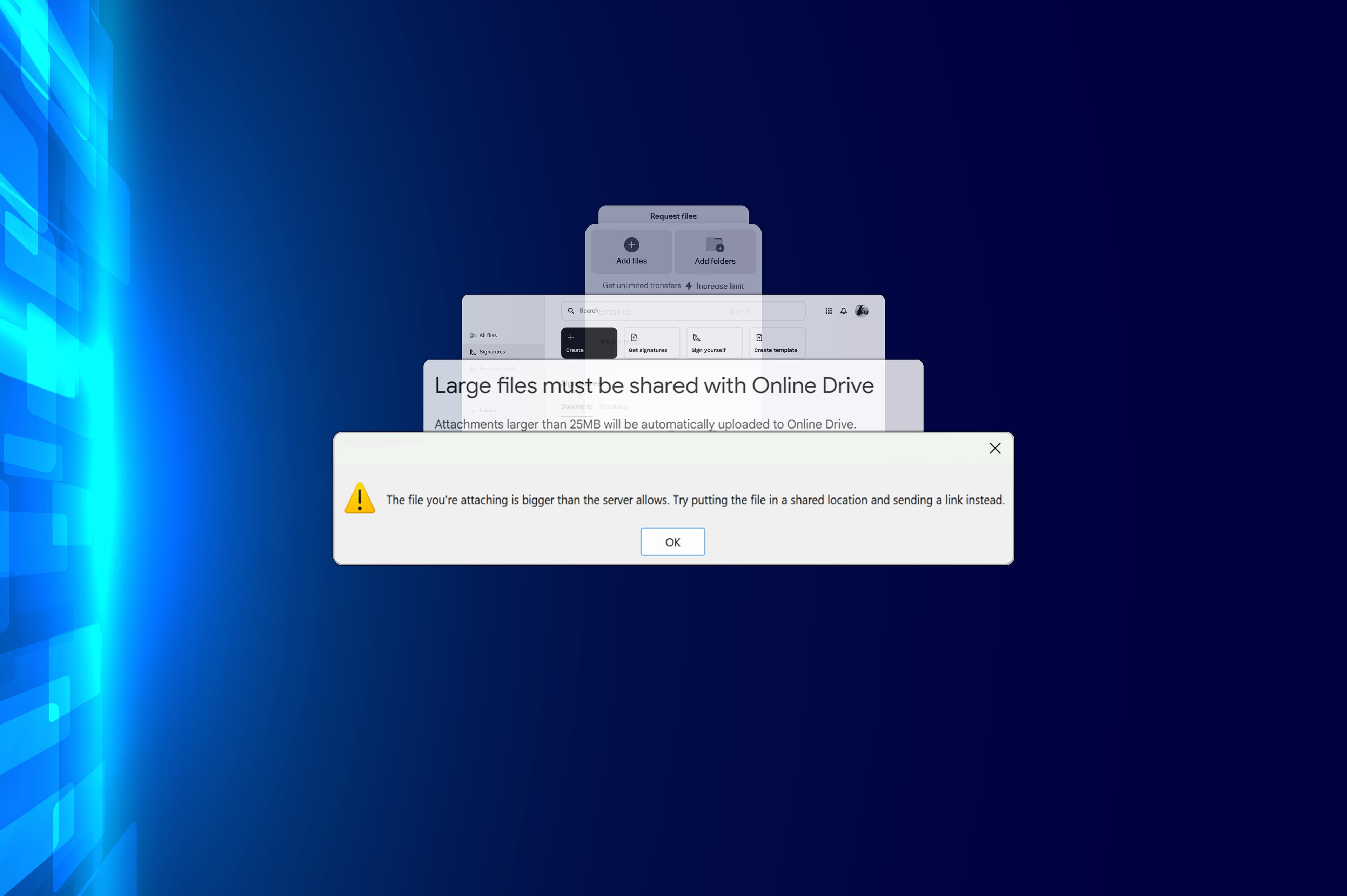
For many organisations, sending large files, documents, images, and videos via email is a challenge.
Most email systems prevent users from sending attachments over 30 MB.
Traditional cloud-based alternatives are complex and insecure. They cannot guarantee:
- Your files are stored securely
- Only accessed by the right people
- Files are deleted once transferred
SHIFT For Outlook is an easy-to-use, secure, and elegant way to get your files – of any size – to anyone on the internet who has an email address.
For Microsoft Outlook
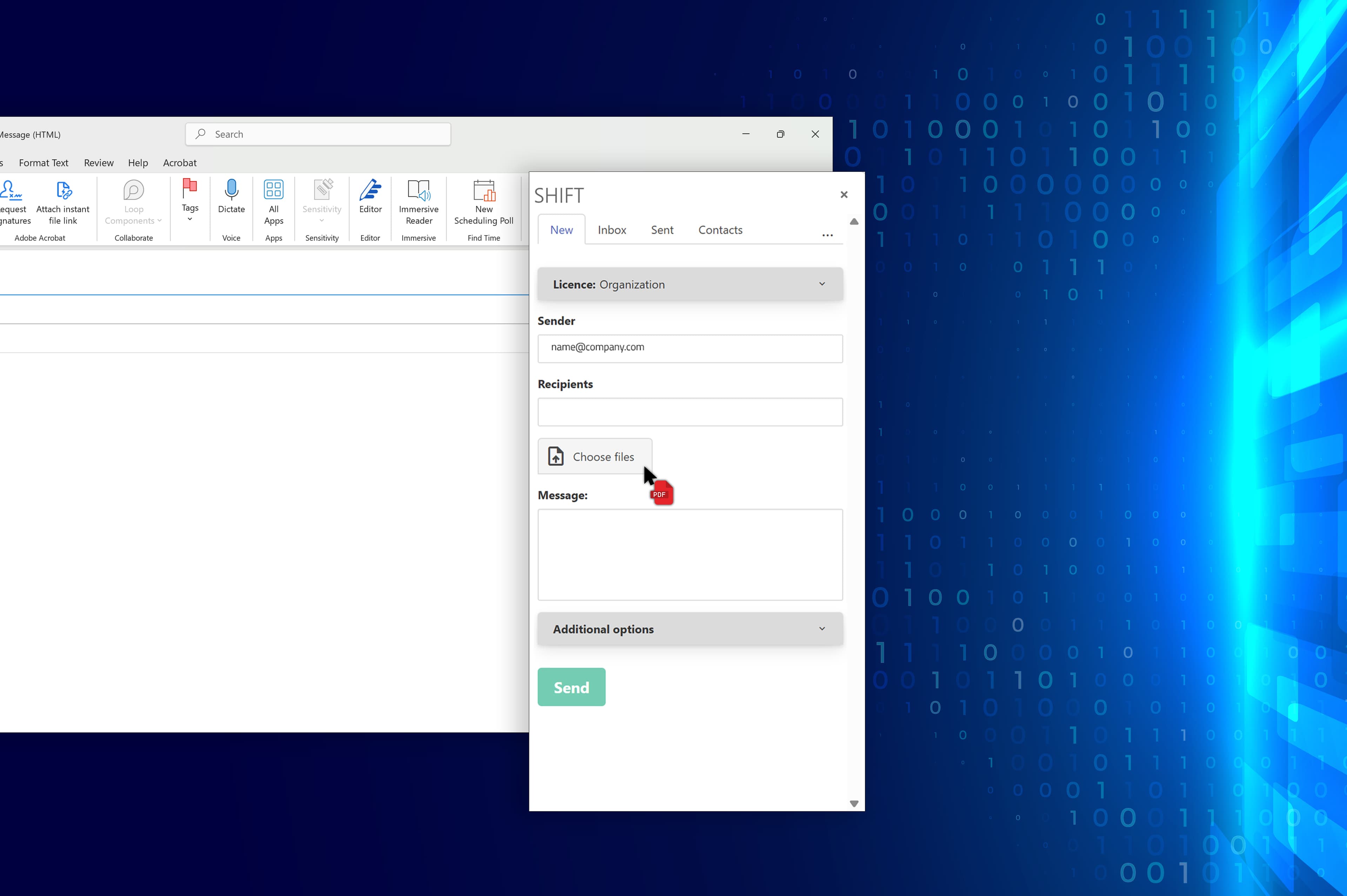
SHIFT for Outlook enables you to shift files of any size, securely within Microsoft Outlook.
- Send and receive files of any size to anyone with an email address
- Recipients can send files back to you for free
- Files are removed after a maximum of 30 days
As a secure, large file transfer system, SHIFT for Outlook makes file transfer as quick and simple as sending an email.
Once installed, SHIFT For Outlook will be available from your Microsoft Outlook ribbon.
Additional features
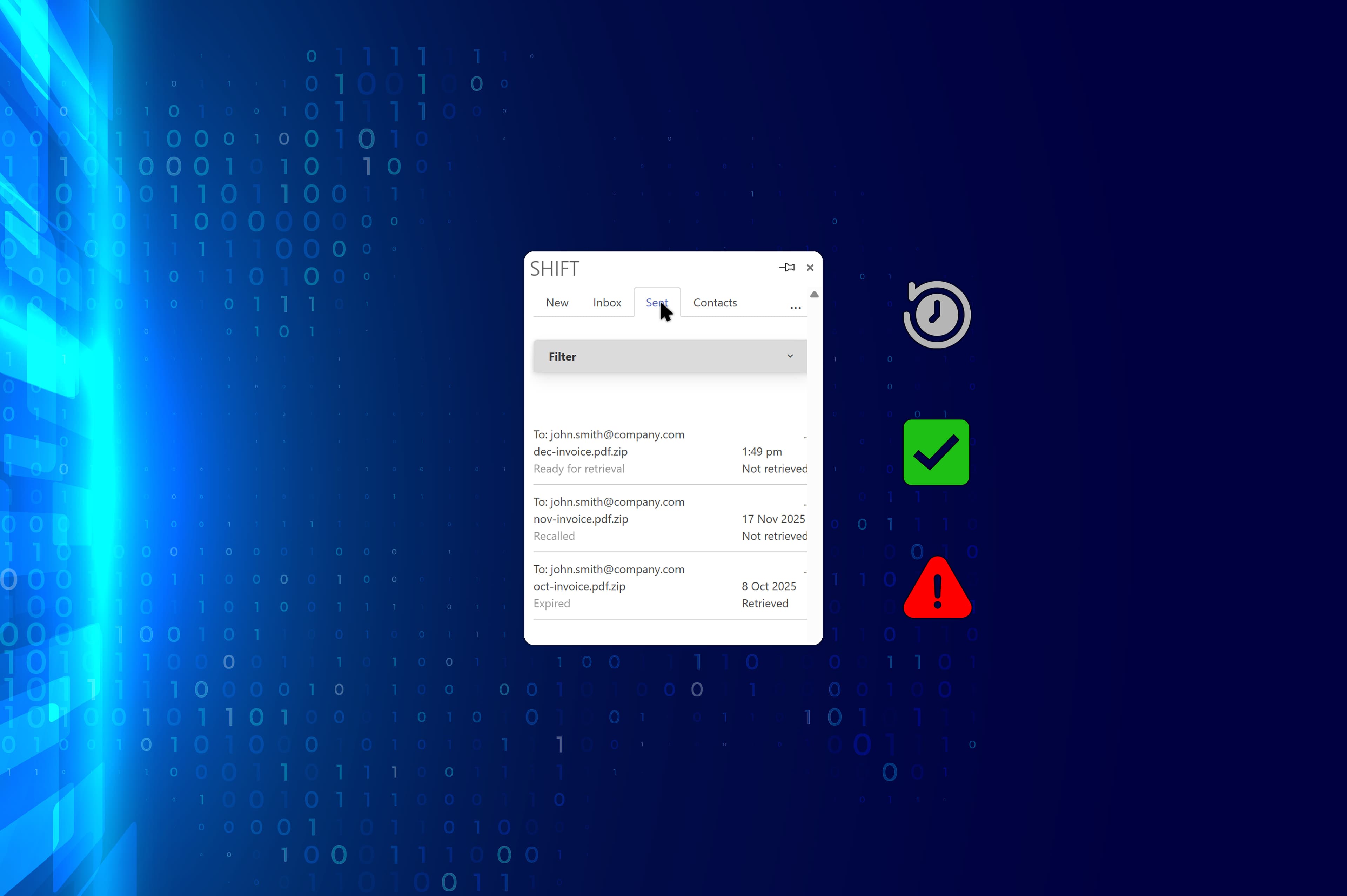
File transfer history
Easily identify recipients and files you have sent in the past.
Notifications
SHIFT For Outlook lets users and file recipients know when:
- files are ready to retrieve
- files have been retrieved successfully
- files have expired
Virus checking for files
SHIFT For Outlook comes with built-in virus scanning, keeping users safe.
SHIFT For Web
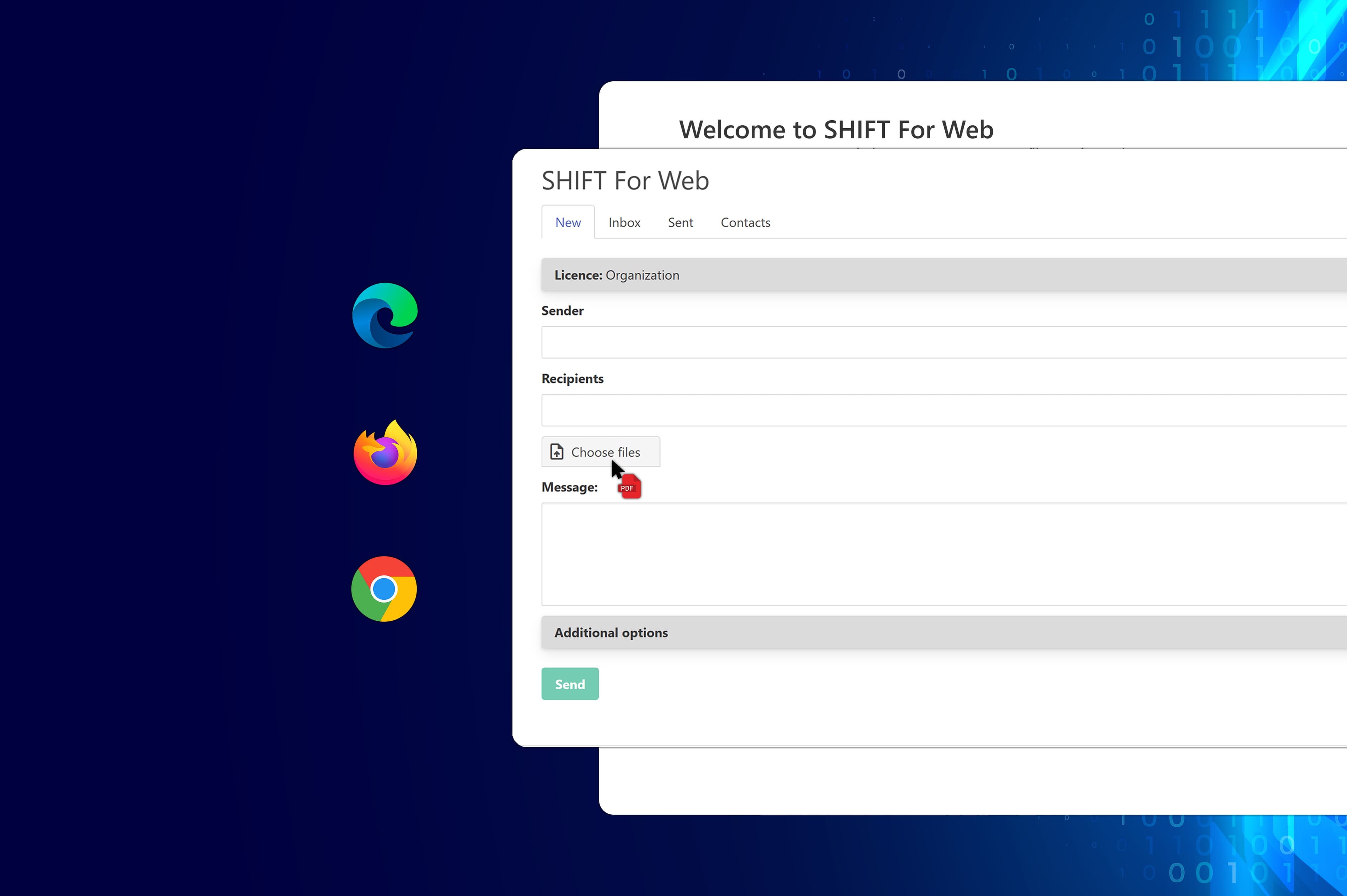
Shift files securely through your browser.
For non-Microsoft Outlook users, SHIFT For Web is a browser-based equivalent.
Packed with all the same file sharing features as SHIFT For Outlook, it provides users with a fast, convenient, and encrypted way to transfer files from anywhere.
SHIFT For Web is available via shift.livertonsecurity.com.
Understand the challenges that come with file sharing

Are your files sensitive?
Built for shifting files securely, SHIFT For Outlook is the perfect solution for sending and receiving classified and restricted documents, such as:
- Financial reports
- Legal documents
- Customer documents
- Medical records
All files sent through SHIFT For Outlook are encrypted and stored for a maximum of 30 days. Once a file has expired, it is automatically removed.
Extra security features:
Helping to secure files further, SHIFT For Outlook users can also:
- Add as a password-protected Windows ZIP file
- Set a shorter expiry date for files (e.g. 7 days)
- Enforce a one-time retrieval, removing the file as soon as it has been retrieved
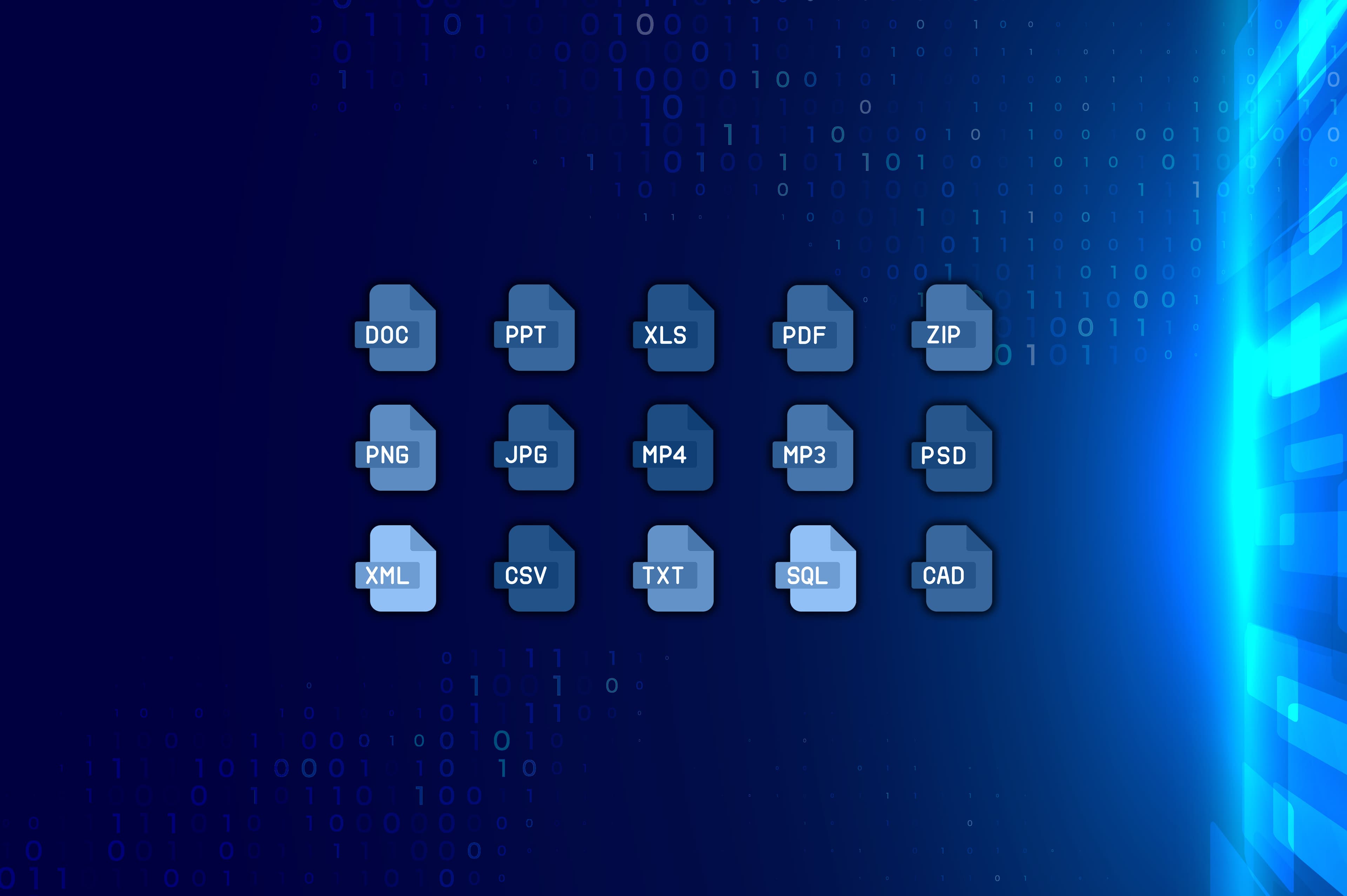
Your solution for sharing notoriously large files
Say goodbye to attachment size limits. Send and receive all your large files directly from Microsoft Outlook.
SHIFT For Outlook extends the capabilities of Microsoft Outlook, allowing users to send and receive large files, such as:
- data (.csv, .xls)
- design documents (.psd, .ai, .indd)
- photos (.jpg, .png, .tiff)
- audio and video (.mp3, .mp4, .mov)
- marketing collateral (.pdf, .docx, .pptx)
- production files and resources (.pdf) and more!
Get SHIFT For Outlook
To learn more about SHIFT For Outlook and how it can support your file transfer workflow, talk to our team at Liverton Security.
Book A Demo